投屏播放器 DLNA Video Player
iOS Universel / Divertissement
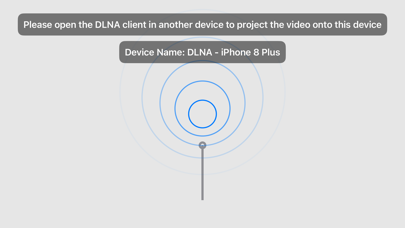
DLNA Player is a screen projection receiving software that can make a mobile phone or tablet a receiver to play videos projected from other devices.
Operating tips:
1. Slide up and down on the left side of the video interface to adjust the brightness
2. Slide up and down on the right side of the video interface to adjust the volume
3. There is a lock button in the middle of the upper part of the video interface to lock the screen to prevent accidental touch when watching the video
4. The video speed can be adjusted in the lower right corner of the video interface
5. The volume can be adjusted in the upper right corner of the video
6. Double-click the video interface to play/pause
7. Long press the video interface to play at 3x speed
8. Slide left and right on the video interface to adjust the progress
Quoi de neuf dans la dernière version ?
1. Added support for video formats other than the Apple-native supported mp4, m4v, mov, and m3u8 formats, and fixed most cases of video loading failures
2. Interface adjustment