S3 Explorer – AWS File Browser
iOS Universel / developpeurs
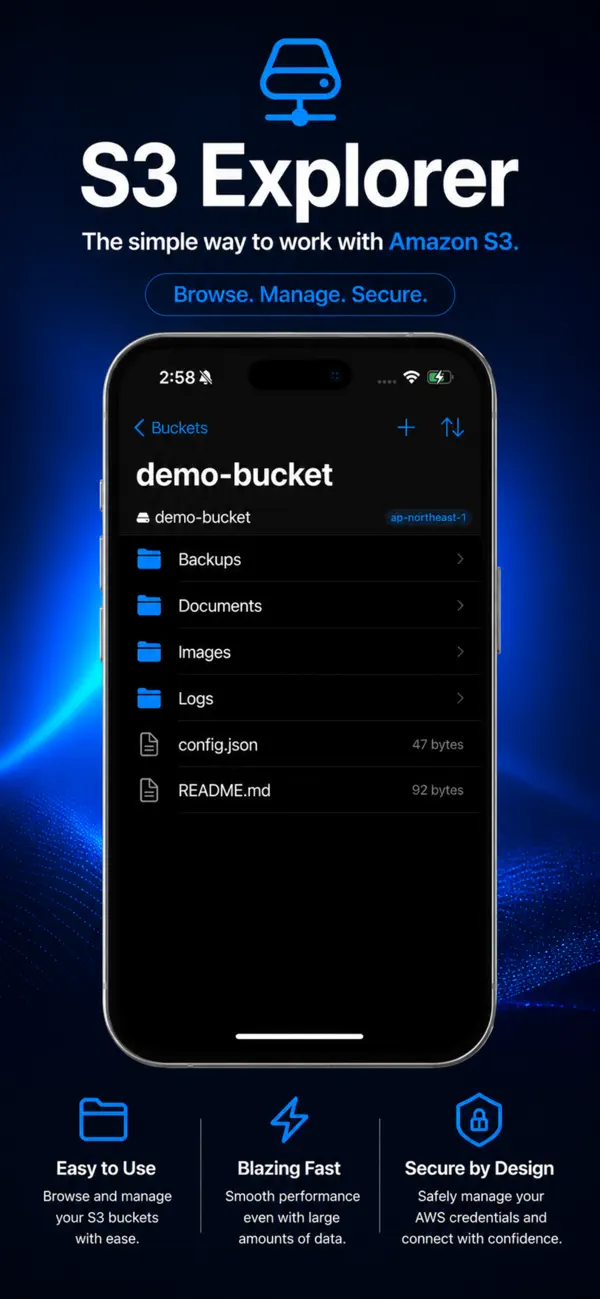
Browse, manage, and upload files to AWS S3 — directly from your iPhone, iPad, or Mac.
S3 Explorer gives developers and DevOps engineers direct access to S3 storage without opening a web browser or the AWS Console. Connect in seconds using your Access Key or IAM credentials.
【KEY FEATURES】
• Browse buckets, navigate folder hierarchies, and search files
• Upload files and folders with drag-and-drop (Mac)
• Download, delete, rename, copy, and move objects
• Preview images, text, JSON, and PDF files inline
• Manage multiple AWS accounts with saved profiles
• Import credentials from ~/.aws/credentials in one tap
• Demo mode — explore all features without an AWS account
【WHY S3 EXPLORER?】
Universal app — one app covers iPhone, iPad, and Mac.
No subscription. No data is sent to any third-party servers.
Lightweight and focused: built for developers who need S3 access on the go.
【SECURITY】
• Credentials stored securely using the system keychain
• All connections encrypted via HTTPS/TLS
• Full AWS IAM permissions support
Perfect for developers, DevOps engineers, and anyone who manages AWS S3 storage on the go.
Quoi de neuf dans la dernière version ?
- Added Japanese and English localization support.
- Fixed an issue where tapping a saved profile selected the wrong profile.