• KultureGeek
  • Comparateur de prix
       
iPhoneAddict
 iAddictv5Notre Application iPhone/iPad
  • Accueil Apps
  • Actualité Apple
  • Keynote Apple
  • Firmwares & iTunes
  • Contactez-nous
Accueil » Liste des Apps » Apps Universelles » Autocollants » Yo Yo Girls - Sticker Pack
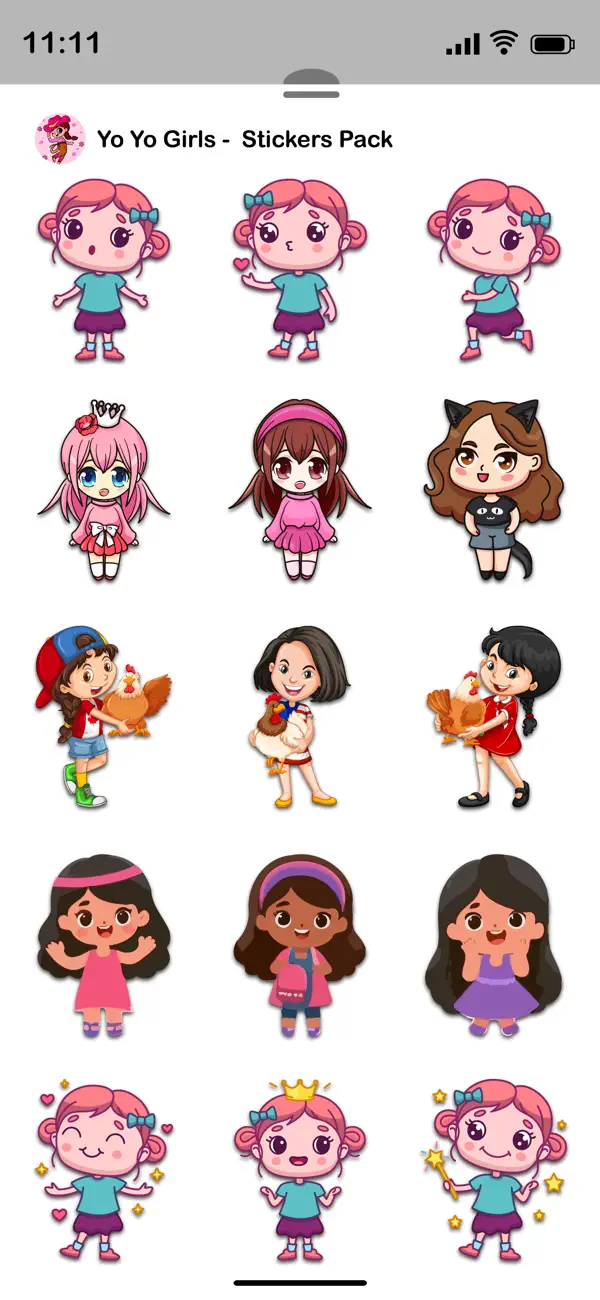
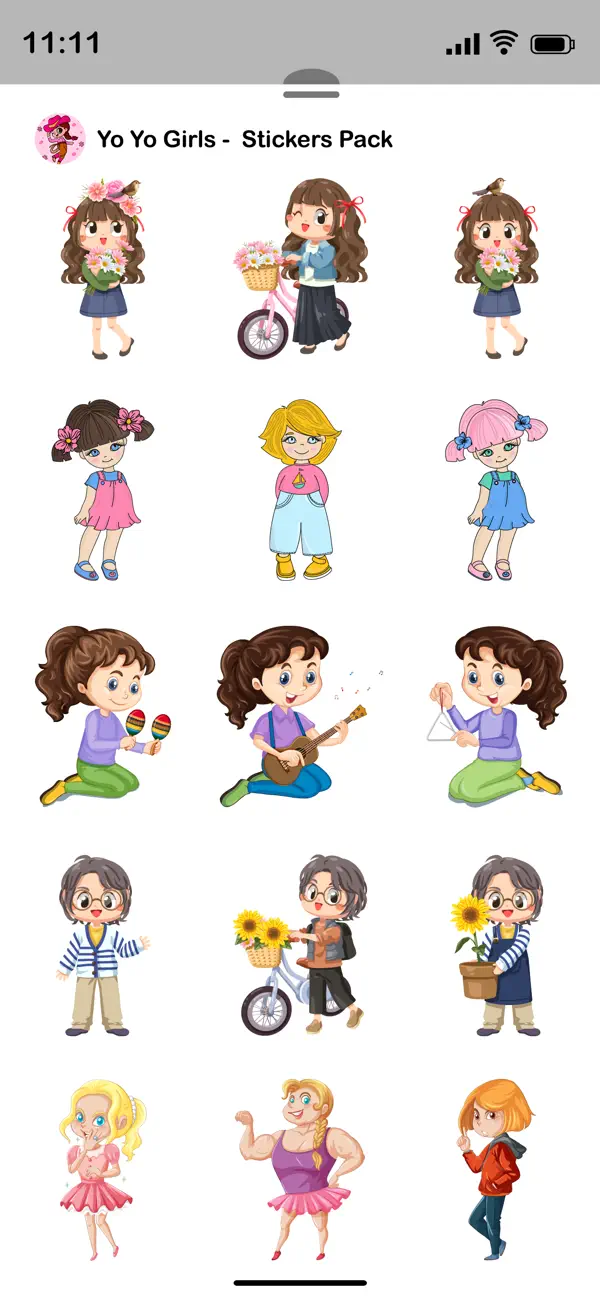
1.3 iOS €0,99€ Aman Kumar 0 0 Make your conversations more fun and expressive! Send creative stickers to friends and family directly inside iMessage. How to Download and Install: 1. Open the Messages app on your iPhone. 2. Open any conversation or start a new message. 3. Tap...
Yo Yo Girls - Sticker Pack

Yo Yo Girls - Sticker Pack

iOS Universel / Autocollants

0,99€ au lieu de 1,99€
Acheter sur l'App Store

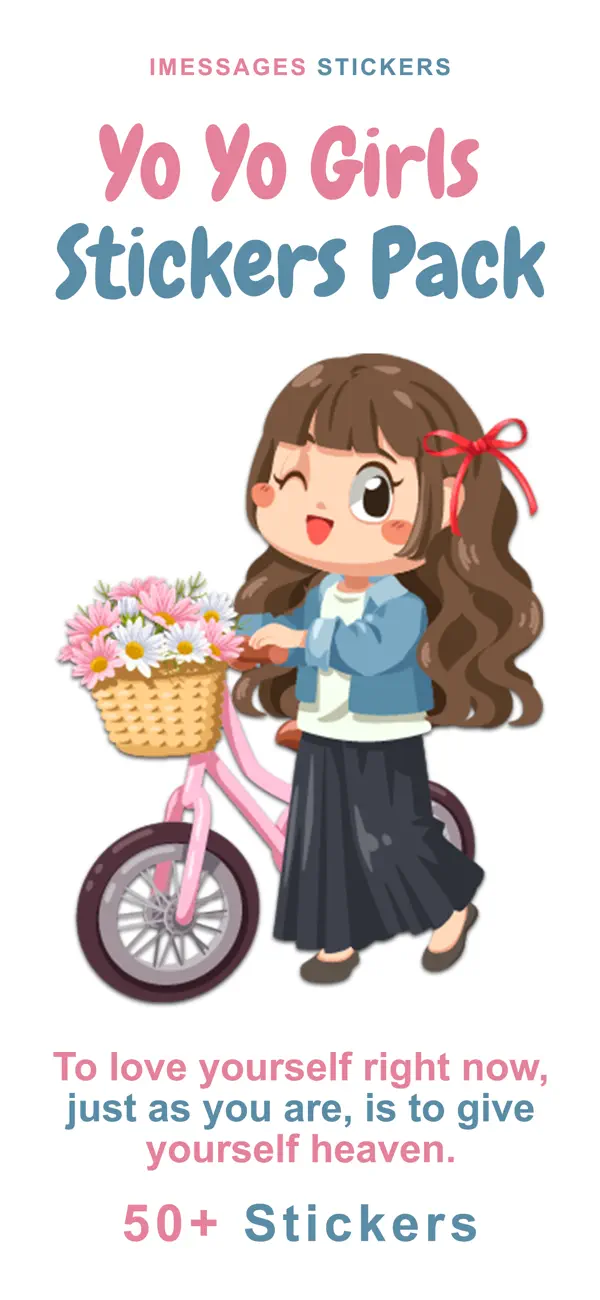
Make your conversations more fun and expressive! Send creative stickers to friends and family directly inside iMessage.

How to Download and Install:

1. Open the Messages app on your iPhone.
2. Open any conversation or start a new message.
3. Tap the + button next to the message field to open the iMessage app drawer.
4. Tap Store.
5. Find the sticker pack you want.
6. Tap Get to download.

Once installed, the sticker app will automatically appear in your iMessage app drawer and is ready to use.

In Case of Already Installed:

- If the sticker app is already installed on your device, it will automatically appear in your iMessage app drawer.
- Tap the + button and select Stickers to view it.
- If needed, tap Edit to reorder or manage its position. No additional setup is required after installation.


How to Reorder Sticker Apps:

- On the Manage Sticker Apps screen, press and hold the three-line icon next to any app.
- Drag it up or down to change its position.
- Apps at the top appear first in the iMessage sticker drawer.
- Tap Done to save.


Remove Unwanted Sticker Apps:

-While in Edit mode, remove unwanted sticker apps from the list.
-This will hide them from your iMessage sticker drawer.
-After organizing your apps, tap Done to save your changes.


How to Send Stickers:

-Tap any sticker to instantly send it in your conversation.
-Touch and hold a sticker to drag and drop it onto a message bubble or photo.
-You can send stickers alone or combine them with text and emojis.
-Stickers can be placed anywhere in the chat to create fun reactions.

En voir plus...

Quoi de neuf dans la dernière version ?

-Added and revised sticker pack.
-Improvements and stability fixes.
D'autres applications du développeur

Slideshow Video Maker for Pics
/ iPhone
Face Caricature -Cartoon Photo
/ iPhone
Toon Cartoon Yourself in Pics
/ iPhone
Sketch Video Maker
Sketch Video Maker
/ iPhone
Face Changer- Cut Paste Photos
/ iPhone
Photo Video Maker With Music
/ iPhone
Voir toutes les apps

Note

(0 note)

Détails sur l'application

Version
1.3
Taille
7.5 Mo
Version minimum d'iOS
15.6
Dernière mise à jour
04/03/2026
Publié par
Aman Kumar

Newsletter App Store

Recevez chaque jour les meilleures promos

Actualité Apple

Image Pour Steve Wozniak, Apple n’a pas prédit l’avenir de l’informatique, mais a su avancer avant les autres
Pour Steve Wozniak, Apple n’a pas prédit l’avenir de l’informatique, mais a su avancer avant les autres
Image App Store : Apple met à jour des applications tierces, sans raison
App Store : Apple met à jour des applications tierces, sans raison
Image iPhone Fold : Apple rencontre des problèmes avec ses tests, pouvant entraîner un retard
iPhone Fold : Apple rencontre des problèmes avec ses tests, pouvant entraîner un retard
Image App Store : Apple veut relancer son combat avec Epic Games devant la Cour suprême
App Store : Apple veut relancer son combat avec Epic Games devant la Cour suprême
Partenaires : Actualité iPhone - Culture Geek
©2009-2026 i2CMedia | A propos |