• KultureGeek
  • Comparateur de prix
       
iPhoneAddict
 iAddictv5Notre Application iPhone/iPad
  • Accueil Apps
  • Actualité Apple
  • Keynote Apple
  • Firmwares & iTunes
  • Contactez-nous
Accueil » Liste des Apps » Apps Universelles » Autocollants » Thank you card Stickers
1.3 iOS €1,99€ Mobisoft Labs 0 0 Make your chats more fun and expressive by sending creative stickers directly in iMessage. Follow these simple steps to start using your sticker pack. Open Stickers in iMessage 1Open the Messages app on your iPhone. 2Open an existing...
Thank you card Stickers

Thank you card Stickers

iOS Universel / Autocollants

1,99€
Acheter sur l'App Store

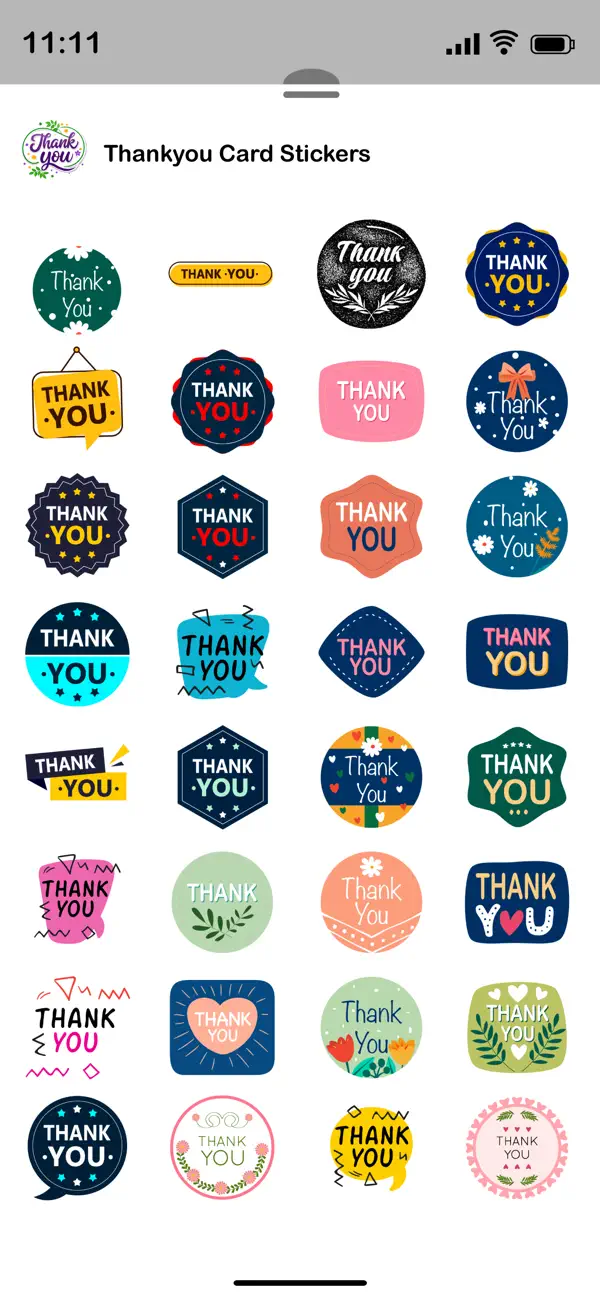
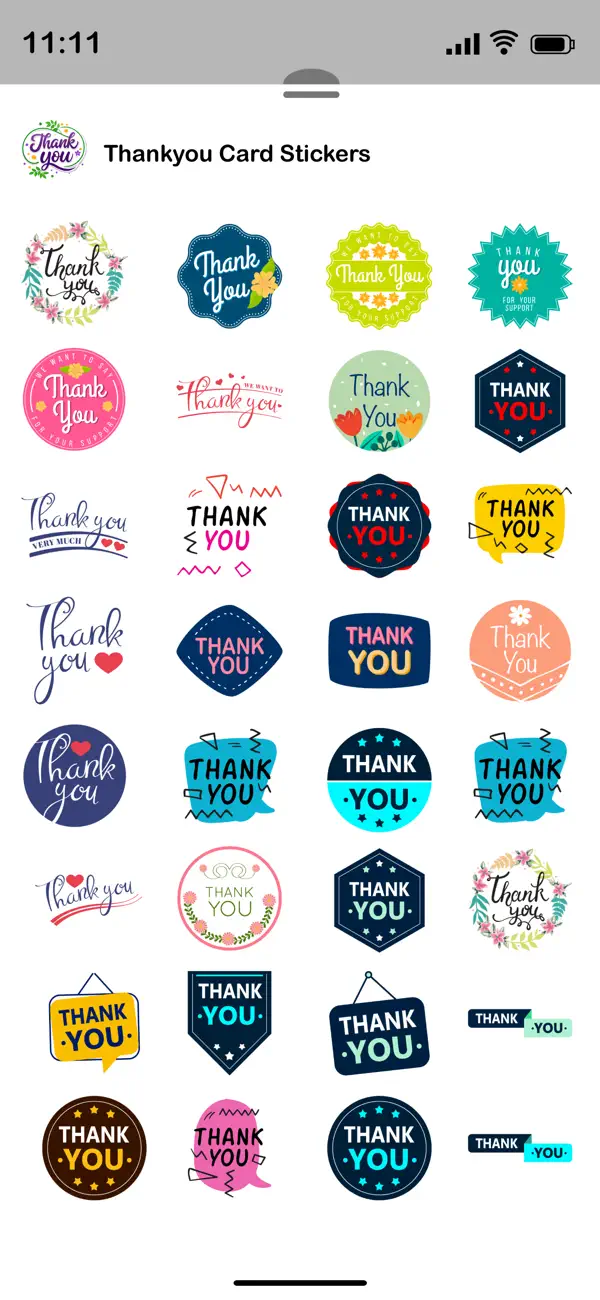
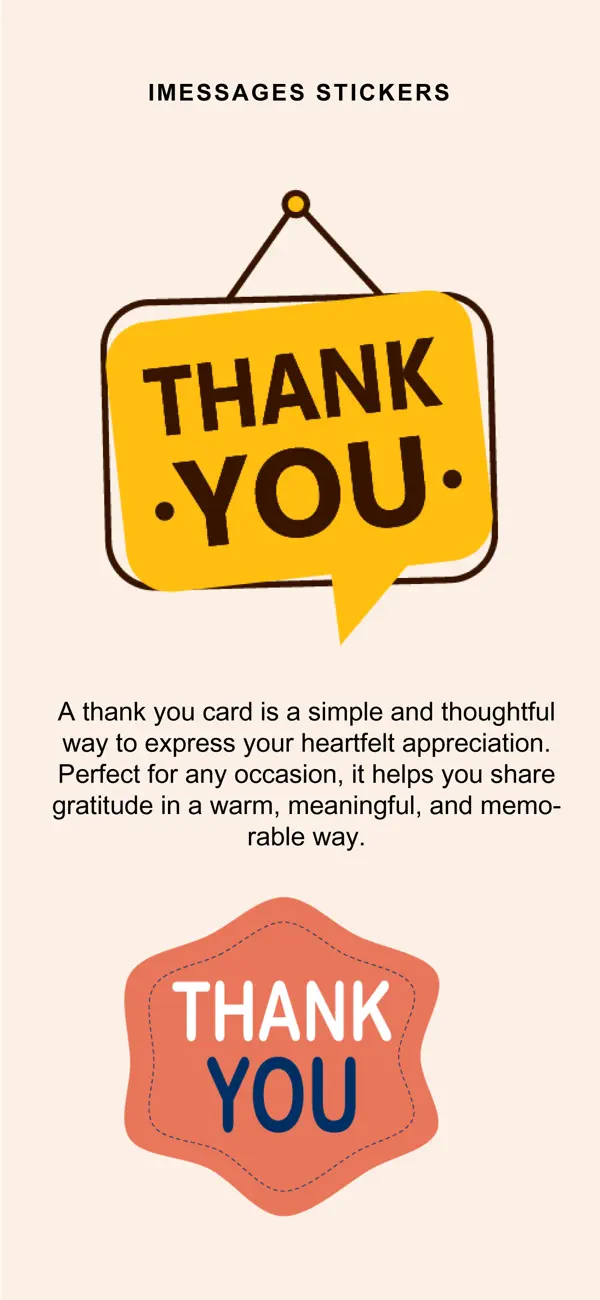
Make your chats more fun and expressive by sending creative stickers directly in iMessage. Follow these simple steps to start using your sticker pack.

Open Stickers in iMessage
1Open the Messages app on your iPhone.
2Open an existing conversation or start a new message.
3Tap the + button next to the message field.
4Select Stickers from the iMessage app drawer.
5Choose the sticker pack you installed.

Send a Sticker
◦Tap any sticker to send it instantly in the chat.
◦The sticker will appear in the conversation like a message.

Place Stickers on Messages
◦Touch and hold a sticker.
◦Drag and drop it onto a message bubble, image, or another sticker.
◦Release it to place it exactly where you want.

Combine Stickers with Messages
◦You can send stickers along with text, emojis, photos, or GIFs.
◦Stickers can be layered on messages to create reactions and fun effects.

Manage Sticker Apps
◦Tap the + button → Stickers → Edit.
◦From here you can:
◦Reorder sticker packs
◦Hide unwanted packs
◦Organize your sticker drawer

Once installed, your sticker pack will automatically appear in the iMessage sticker drawer, ready to use anytime you chat.

En voir plus...

Quoi de neuf dans la dernière version ?

- Stability fixes and improvements.
D'autres applications du développeur

PIP Camera -Spiral Photo Maker
/ iPhone
Blender Camera: Photo Collage
/ iPhone
Cut Me In Picture
Cut Me In Picture
/ iPhone
Color Effects Maker - Change image colors by just touch gestures!
/ iPhone
Slideshow Video Maker Songs
/ iPhone
Passport ID Photo Maker Studio
/ iOS Universel
Voir toutes les apps

Note

(0 note)

Détails sur l'application

Version
1.3
Taille
6.4 Mo
Version minimum d'iOS
15.6
Dernière mise à jour
16/03/2026
Publié par
Mobisoft Labs

Newsletter App Store

Recevez chaque jour les meilleures promos

Actualité Apple

Image LiTo : le modèle IA d’Apple qui recrée des objets 3D réalistes à partir d’une seule photo
LiTo : le modèle IA d’Apple qui recrée des objets 3D réalistes à partir d’une seule photo
Image Apple considère les iPhone 5 et iPhone 4 (8 Go) comme obsolètes
Apple considère les iPhone 5 et iPhone 4 (8 Go) comme obsolètes
Image Apple devient un partenaire officiel du marathon de Londres
Apple devient un partenaire officiel du marathon de Londres
Image La date de sortie d’iOS 26.4 se précise avec les AirPods Max 2
La date de sortie d’iOS 26.4 se précise avec les AirPods Max 2
Partenaires : Actualité iPhone - Culture Geek
©2009-2026 i2CMedia | A propos |